
Let’s be honest — most team task boards look perfect on launch day.
Color-coded. Organized. Inspiring.
Fast-forward a few weeks, and it’s chaos: old tasks, new priorities, and sticky notes multiplying like tribbles.
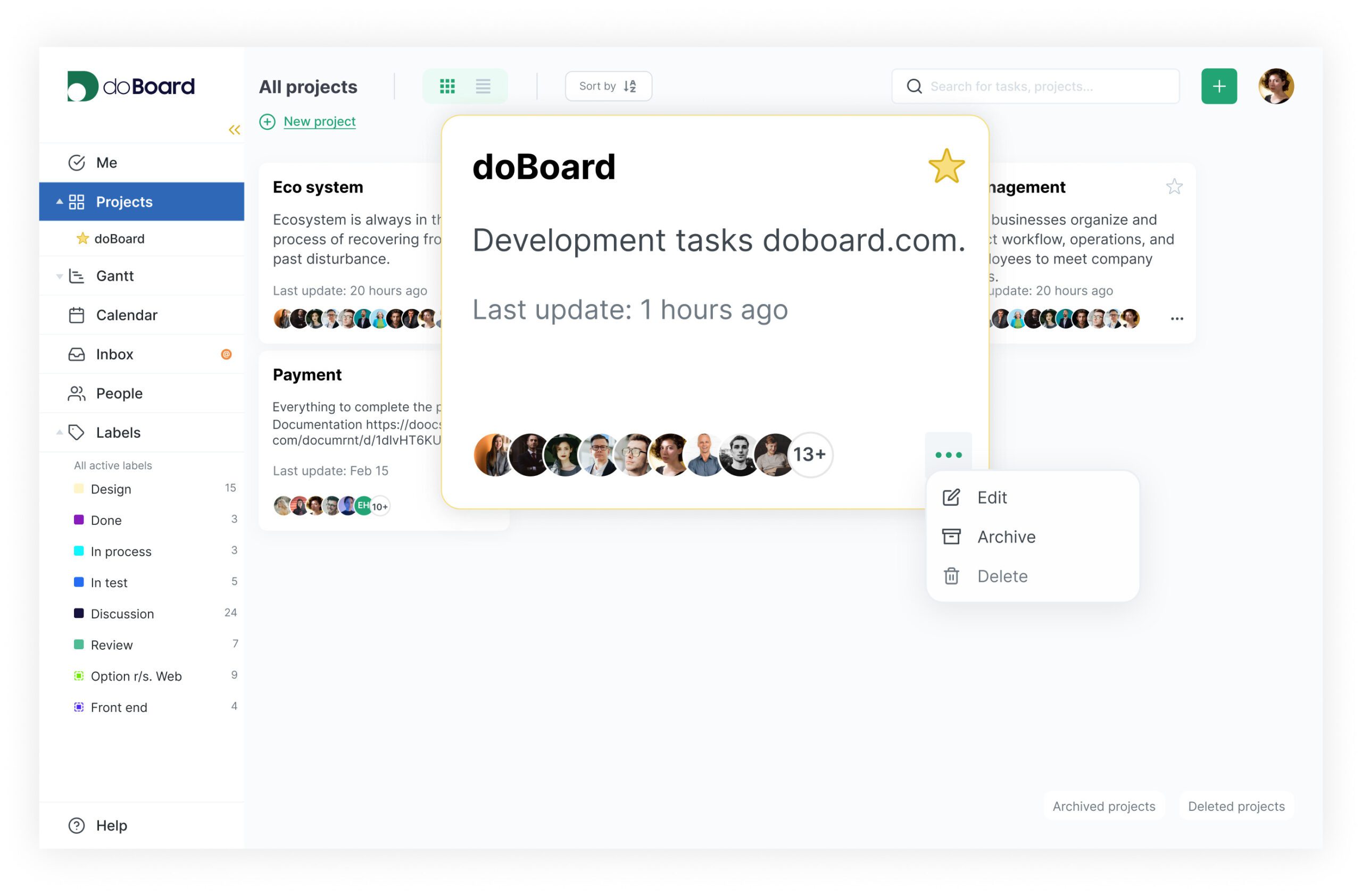 If you’ve ever opened your project board and felt lost, you’re not alone.
The problem isn’t your team — it’s the way most boards are built.
This guide shows how to build a team task board that actually works — one that brings clarity, improves team planning, and strengthens your project workflow instead of creating more work.
Why Most Task Boards Fail
Most teams don’t fail because they’re lazy — they fail because they turn their task board into a digital junk drawer.
Instead of focusing on progress, the board becomes an archive of every idea, request, and “just-in-case” note.
By the end of the month, no one trusts what they see.
A cluttered team task board doesn’t just waste time; it quietly erodes accountability.
When deadlines hide behind 20 colorful labels, your project stops moving — and so does your motivation.
This is the hidden cost of bad planning: time lost, trust damaged, and work that feels heavier than it should.
The Real Fix: Design for How Your Team Thinks
Before adding tasks or columns, stop and ask: What does progress look like for our team?
Developers think in dependencies, designers think in feedback, and managers think in milestones.
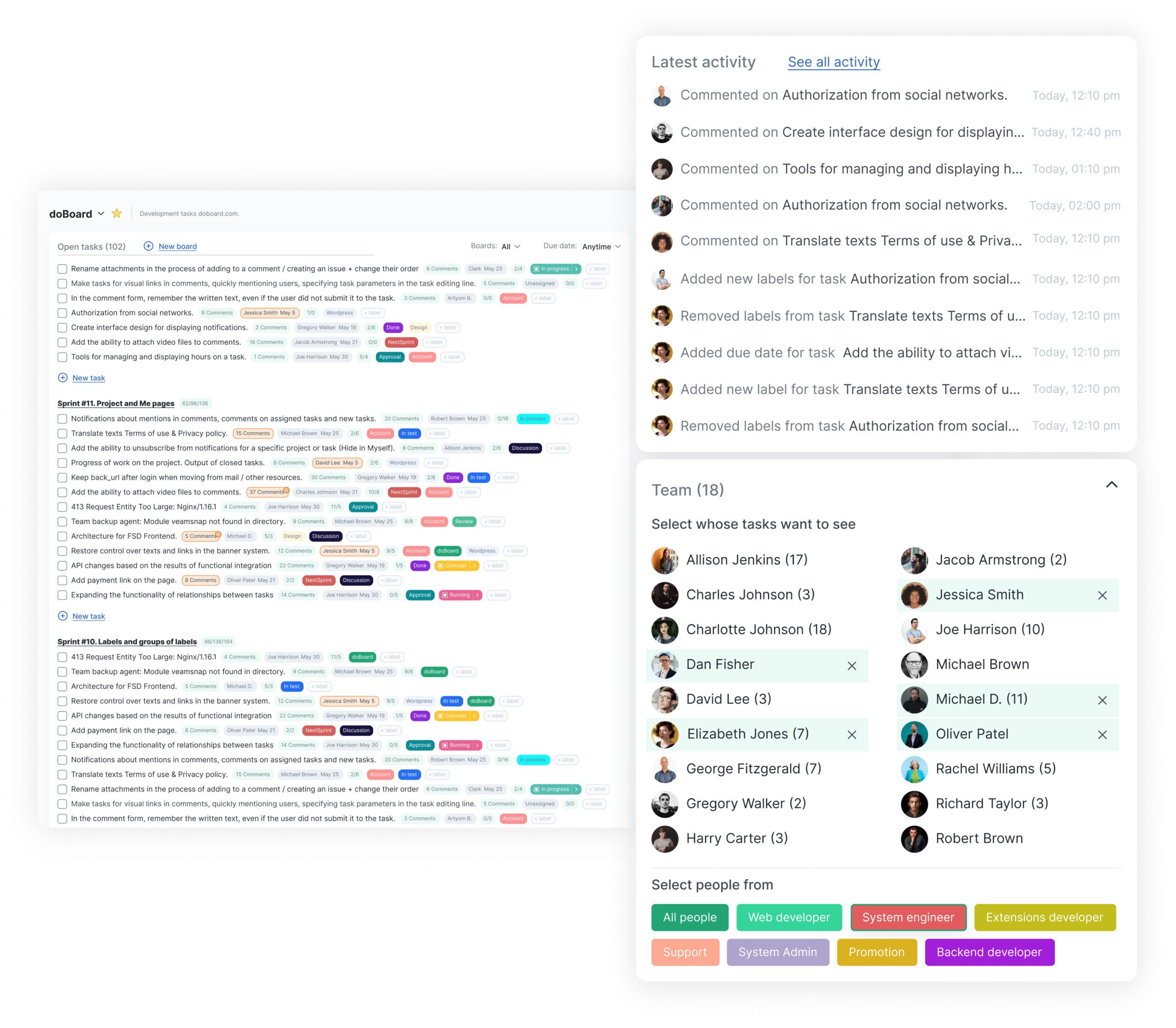
Your project workflow should reflect those realities — not a template you copied from someone else’s workspace.
When your system mirrors your team’s logic, everyone stops fighting the tool.
Instead of “How do we fit this in?”, the question becomes “What’s next?”.
That’s when productivity starts to feel like flow.
If you’re setting up a new workflow in doBoard, start by mapping your natural process — not your ideal one.
You’ll avoid the chaos that comes from trying to make software match wishful thinking.
Anatomy of a Board That Works
A functional team task board doesn’t need fancy animations or a dozen integrations.
It needs to do three simple things: show what’s happening, what’s next, and who’s waiting for whom.
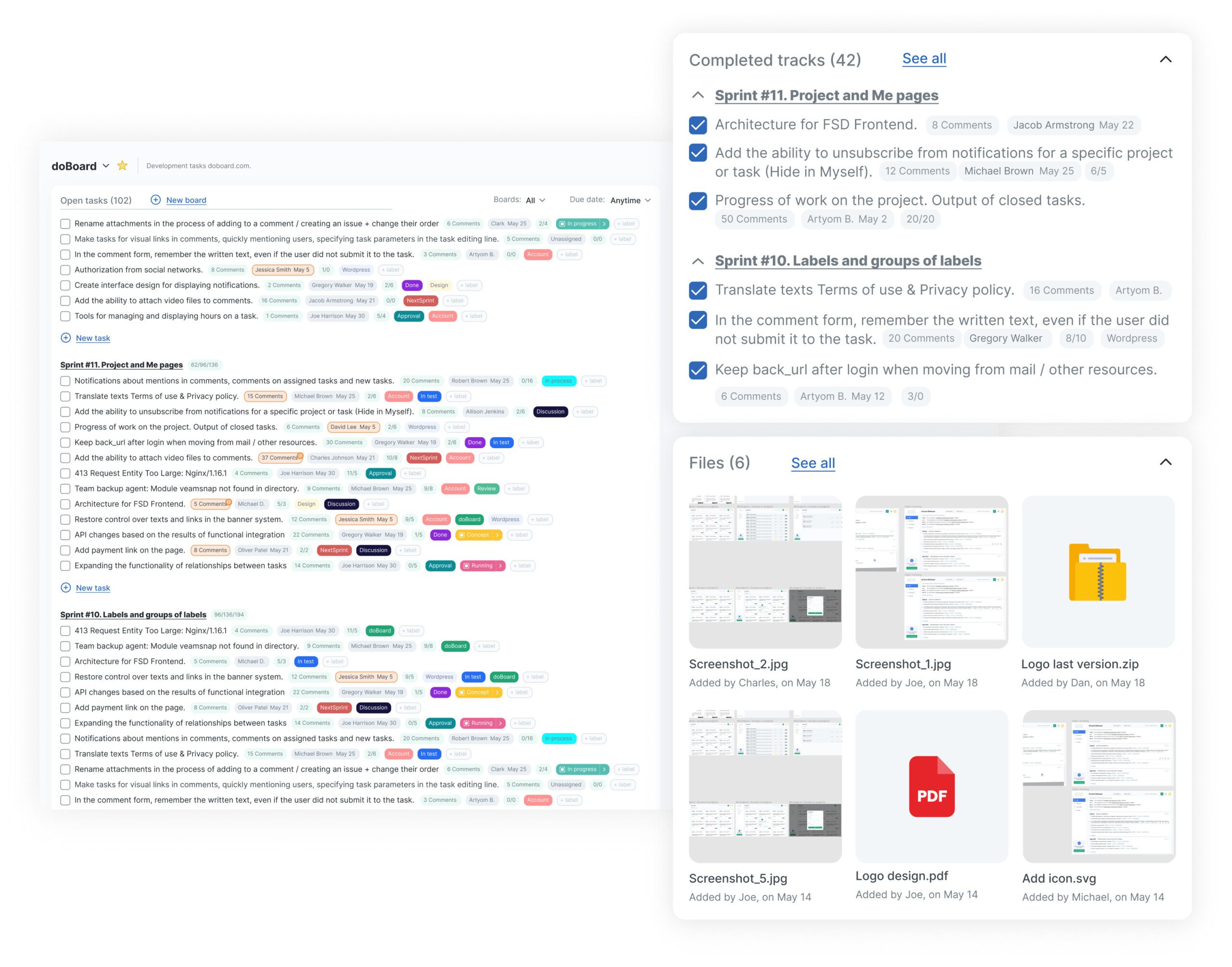
The magic happens when those three stay visible at all times.
If your designers can see what developers are building, and QA knows when a feature moves from “In Review” to “Ready,”
you no longer have to run daily status calls just to stay aligned.
That’s what modern team planning should feel like — quiet, confident clarity.
Tools like doBoard automate this visibility.
They sync with commits and pull requests, keeping your workflow current without extra pings or “update the board” reminders.
The Human Side of Task Boards
Every project management tool has an emotional layer.
People either trust it or they quietly ignore it.
Once someone says, “don’t bother checking the board — it’s outdated,” your process is already dead.
To make your team task board work long-term, focus less on discipline and more on design.
Build it so people want to use it.
That means clear ownership, visible blockers, and labels that help instead of shame.
Try replacing the red “Overdue” tag with “Needs Update.”
You’ll be surprised how one small word change can turn guilt into collaboration.
From Chaos to Flow: A Real Example
A mid-size marketing team switched to doBoard after months of fighting with spreadsheets.
Their old process was slow — every meeting started with “who’s on this?” or “is that ready yet?”.
They wanted less confusion, not more dashboards.
At first, they tried to rebuild their messy workflow inside doBoard — extra labels, nested folders, the whole thing.
It didn’t work.
So they started fresh.
They built five columns: Backlog, In Progress, Review, Waiting, and Done.
Then they added a simple automation: when a task reached “Review,” doBoard pinged the assigned reviewer in Slack.
In just two weeks, they saw:
-
40% fewer status messages,
-
faster turnaround on deliverables,
-
and something every manager dreams of — silence during meetings because everyone already knew the status.
That’s what a working project workflow looks like: less talk, more clarity.
The Golden Rule
Don’t design for the perfect team. Design for the one you actually have.
Your task board isn’t supposed to impress upper management — it’s supposed to make daily work easier.
A great team planning setup doesn’t need to look sleek; it just needs to feel natural.
If people use it without thinking, congratulations — you’ve built a real workflow, not just another process.
In doBoard, idle tasks automatically surface when they’re stuck.
Instead of asking “who forgot this?”, you see “what’s blocking it?”.
That one shift keeps progress moving without finger-pointing.
The Ultimate Task Board Checklist
Before you create your next board, take one last look at this list — and be honest with yourself:
| Step | Done? | Notes |
|---|---|---|
| Define workflow stages before adding tasks | ☐ | Keeps structure clean |
| Create columns based on actions, not departments | ☐ | Reflects real progress |
| Assign one clear owner per task | ☐ | Ends confusion |
| Automate repetitive updates | ☐ | Saves hours weekly |
| Review the board weekly as a team | ☐ | Builds shared rhythm |
| Measure flow, not perfection | ☐ | Encourages consistency |
Start your first board at doBoard.com — it’s built for clarity, speed, and a little peace of mind.
The Takeaway
A team task board isn’t a mirror — it’s a compass.
It won’t fix your team, but it can help your team fix itself.
When your workflow feels lighter, cleaner, and more predictable, that’s when you know it’s working.
Stop redesigning your board every quarter.
Build one that actually fits your team — and watch your planning finally click into place.
Try doBoard free → doboard.com
Where structure meets sanity.