
doBoard as a YouTrack Alternative: A Backend Developer’s Experience with Both
I’m Roman, and I’ve been working as a backend developer at CleanTalk since 2023. Before that, I was a backend developer at an IoT company from 2020 until 2023, where I used YouTrack. I’ve used doBoard at CleanTalk since 2023.
TL;DR
I used YouTrack at an IoT company and now use doBoard at CleanTalk. YouTrack gave me more control over my boards and a smoother way to break down tasks and track blockers. doBoard gives me a simpler shared setup: I can check that a task is visible to a teammate instead of guessing how their personal board is configured. I’d say doBoard makes workdays simpler, and simpler days make people happier. I’m no exception.
I’d lean toward doBoard for a relatively small company of up to about 80–100 people that’s comfortable with sprints. That’s my rule of thumb, not a product limit. For a large enterprise with hundreds of employees and different departments, I’d lean toward YouTrack if it needs extensive customization or a classic Kanban view and can afford to dedicate someone to setting up and maintaining the system.
Editor’s note: This is Roman’s personal opinion based on his experience with both products. He used YouTrack at a previous company from 2020 to 2023 and has used doBoard at CleanTalk since 2023; the same team did not switch between them. His comments about YouTrack reflect his team’s setup at the time. Other users may have different experiences, and his account is not an objective description of either product’s current features.
My background: YouTrack at an IoT company, doBoard at CleanTalk
Before joining CleanTalk, I used to work in a relatively small team developing IoT (internet of things) solutions for primarily electric cars used for car sharing and taxi fleets. The company as a whole was somewhere between 60 and 80 employees, and the team I was a part of was around 14 people, give or take. I was one of the backend developers, so it’s the same position as here at CleanTalk. We were using YouTrack mostly for managing development processes as well as communicating with the leadership on timelines for major projects.
How we used YouTrack for Kanban development
Effectively, the work there was based on the Kanban method and, by extension, Agile. So, the typical lifecycle for a ticket would be as follows:
1. A ticket gets assigned to me;
2. I notice it in the “TODO” list and move it to “In Progress” list;
3. When it’s done, I’d either:
— pass it to the QA team; or
— simply ship it and close the ticket by moving it into the “Done” list.
Usually, big tickets were broken down into smaller bits that didn’t take more than one person. However, API changes would often involve close communication with frontend/mobile development, yet we would have our separate tickets still.
What I liked about YouTrack: customizable boards and GitLab integration
The main benefit of the flexibility YouTrack comes with is that you can tailor your dashboards/screens to your taste and needs. As I mentioned before, “my Kanban board” wasn’t mine just because it had tickets assigned to me; it was mine because I’d made it myself to suit my liking.
When it comes to the team as a whole, there’s quite a bit of fine-tuning one could do to automate frequent points of friction. At my previous job, we didn’t quite have the luxury of free time to explore that properly on such a level. Everyone who had the desire just tweaked the things they found annoying on their own.
Another thing I liked about YouTrack was probably the most “by the books” feature out there: the GitLab integration that’d directly link tasks with branches and merge requests, which was handy for quickly navigating from a task to the code and back.
Editor’s note on integrations: doBoard has a GitHub Issues integration. When an issue is opened in GitHub, it can automatically create a doBoard task. This is a different workflow from the GitLab branch and merge request links Roman used in YouTrack.
When YouTrack’s flexibility became difficult for our team
As we were highly agile to respond to ever-changing demands and priorities, our structure was mostly flat without a singular point of leadership within the dev team. As such, we as a team didn’t have a proper tech leader who could standardize our processes and enforce those standards. This led to some discrepancies and misunderstandings, as different folks had different boards set up and saw priorities differently.
As an example, I’d write an API spec and re-assign the ticket to a mobile developer to review whether the arrangement worked for them, but I wouldn’t get a response. A few days later, I’d remember the task and ask the dev in person. They’d be surprised because they hadn’t seen it: their board was set up to show only tickets in mobile development projects, while this task was in a backend project.
At some point, not long before I left, we tried to switch to sprints instead of Kanban, which wasn’t quite successful, as the business didn’t quite like to hear something along the lines of “we could start working on X in about 2–3 weeks”. They might have pushed through – I do not know.
How doBoard organizes development work differently
So, doBoard. By design, it helps you structure your work in sprints. It doesn’t force it, really; a board can be used for a sprint, but it’s still just a board. However, doBoard doesn’t have a classic Kanban board view with tasks moving between status columns. If you’re used to working that way, organizing your work in doBoard may take a bit more effort.
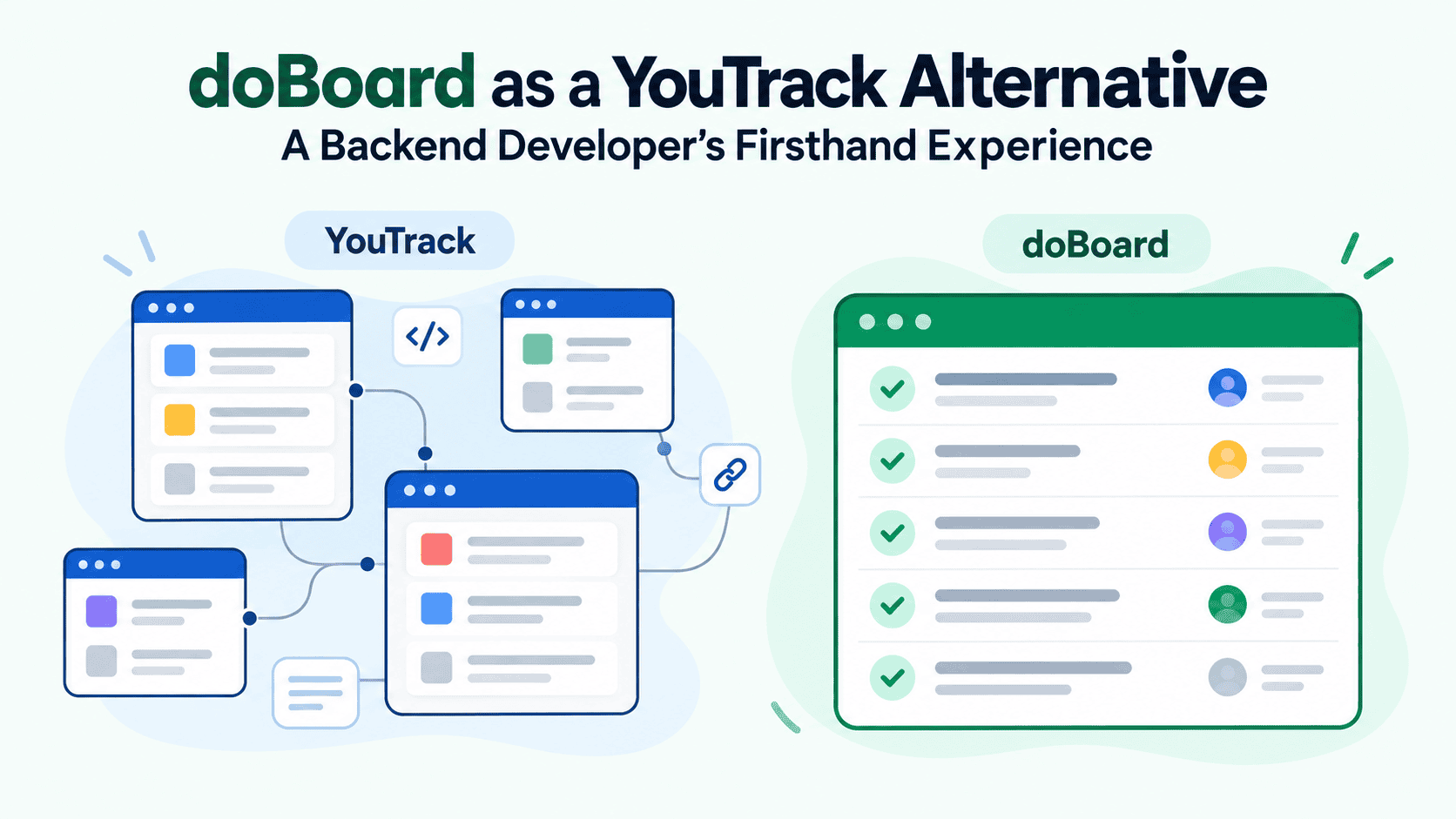
doBoard’s shared setup helps to sort of level out the playing field, as I know what my colleagues see in doBoard. As a matter of fact, I can click and see the same setup they see for projects we both have access to, and vice versa. What matters isn’t just what I can see, but knowing we’re looking at the same setup. I don’t have to guess whether someone’s custom board has filtered a task out.
While YouTrack allows everyone to have their own private boards and screens, it does obscure the experience other people have with the system.
One thing that isn’t quite limiting but is rather awkward is handling blockers – tasks that block something. In the YouTrack setup we used, I could link one ticket as a blocker of another. When the blocking ticket was closed, the other would automatically show as unblocked. In doBoard, I can mark a task as blocked, but I have to keep track of whether it’s still blocked myself.
Editor’s note: In doBoard, a board can represent a sprint, backlog, release, or another part of a project. Teams can also adapt their shared workflow with labels for priorities or task types and tag groups for stages such as To Do, In Progress, Code Review, QA, and Done. This is different from the private Kanban boards Roman configured for himself in YouTrack. See boards as lightweight sprints and labels and tag groups.
YouTrack vs doBoard for everyday developer tasks
A common thing a developer has to do, at least in my experience, is to break down a ticket into more reasonably sized tasks. In general, the experience in both PM systems is similar, as most of the work happens in your head; however, the actual process of creating new tasks, defining relations and observing the progress is smoother and more friendly in YouTrack. I’m not happy about that, but I have to admit it.
The main issue with YouTrack for me arises in the need to invest time into organizing your own workspace to adapt to the ever-changing needs and ideas of the management while keeping the space clear and transparent.
The doBoard advantage I feel day to day is in handoffs. If I pass a task to a colleague and we both have access to the project, I can open the same home view they use and see whether the task appears there. I don’t have to wonder if a personal board filtered it out, like what happened with that API spec in YouTrack. It saves me from having to figure out how somebody else set up their board before I can get on with my work.
Other than that, the day-to-day job is relatively similar with both. I mean, leaving a comment or changing a status is a rather universal thing, I reckon.
The moment doBoard’s simplicity clicked for me
The biggest sort of “oh that’s awesome” moment was shortly after I joined CleanTalk, maybe a month in, when I kinda got over the need for custom dashboards and all that kind of stuff, and it clicked for me that the system just works.
And that was quite early in doBoard’s history, so a lot of the features we have today weren’t developed yet. Since then, parent-child tasks, labels and Planning Poker were added. The UI has had a few improvements, and the editor has grown more capable, too.
It’s just the simplicity and the ability to trust the process on all levels that got me.
It’s just the simplicity and the ability to trust the process on all levels that got me.
What frustrated me about YouTrack and what I still miss
The main issue I had with YouTrack was that, in our setup, it basically required a special person to set everything up for everyone and monitor how everyone configured their boards. We didn’t have anyone in our team to take on that role.
For a big established company with many large departments or teams (hundreds of employees), the situation could be different. If it can afford to dedicate someone to setting up and maintaining YouTrack, those teams can make better use of its flexibility. In that case, I’d say YouTrack would be generally preferable.
As for what I miss from YouTrack, that’d be the UI. It was a bit busy at times, but the views I’d set up let me take in more information at a glance. I could show when a task was created and who created it, sort tasks by pretty much anything, and group them on boards by priority, deadline, and all sorts of other things. Most of that had to be set up manually, though. There was a query language for it.
How much of the difference came from the tools, and how much from the teams?
That’s a fair question, as my experience with YouTrack has been based mostly on what was essentially a start-up with some caveats. So, the whole development process had to be built from the ground up along with the actual product, and in our case, YouTrack didn’t help with that. YouTrack is like a sandbox, and you might set your eyes on building a majestic castle of sand, but without proper experience and know-how you’ll most likely end up with a pile of sand. We sure did.
When I joined CleanTalk, the processes were already defined, applied and monitored. So, I do not have the experience of starting from scratch with doBoard; however, its core identity essentially guides the users into organizing their processes a certain way. It doesn’t feel like it gets in the way of what I need to do.
If I imagine a startup like my previous company starting out with doBoard, I think there would be less setup work and it’d be easier to get going. That assumes the team is equally new to both tools, though. In our case, a lot of people were already familiar with YouTrack, and that was an advantage for it.
Other project management tools I’ve tried: Jira, Redmine and Trello
I had some experience with an ancient version of Atlassian Jira and self-hosted Redmine.
Jira has a lot in common with YouTrack in their design philosophies.
Redmine is just bare bones and absolutely minimalistic in pretty much every respect. It does have the same basic idea as YouTrack and Jira in regards to building your own processes from scratch, but here you have to sift through the extension library to even have a chance of implementing the most basic and essential board.
I also had some fleeting experience with Trello, a Kanban-focused management system, in a collaborative effort with an external team. It’s perfectly fine to get a broad idea of a big project and its state. However, no one there used it for the actual development cycle, and it was more so a bridge between the teams.
Is doBoard a good YouTrack alternative? Which teams I’d recommend each to
I’d recommend doBoard to any relatively small studio of up to maybe 80 to 100 people that isn’t inherently against Scrum sprints. That’s my personal rule of thumb, not a product limit. doBoard is easy to set up, and by “set up” I mean the state where it can be used consistently and sustainably across the team without the need to organize all sorts of dashboards, task settings and so on.
In my view, a big enterprise would benefit from the customizable nature of YouTrack, so I’d lean toward it there – widely different departments have widely different requirements and practices, and to accommodate that you need a great deal of flexibility within the project management system.
As a sort of conclusion, I’d say doBoard makes workdays simpler, and simpler days make people happier. I’m no exception.